How to Use Lukloop
From download to printing shipping labels
Download & Register
iOS: download from the App Store (not available on mainland China App Store). Android: get the official APK from our website.
Register with your business email and complete email verification.
Go to Download Page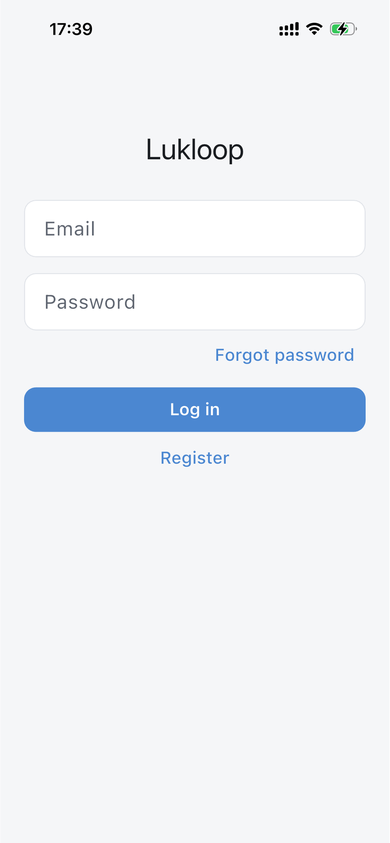
Connect Your Online Store
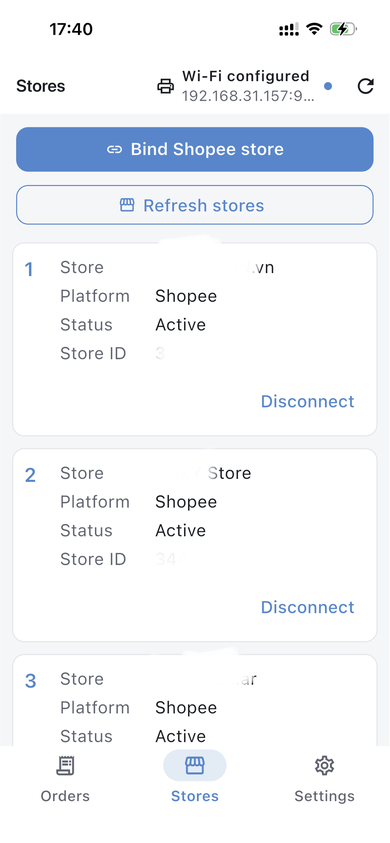
Open the Stores tab, tap bind store for your platform, and complete OAuth authorization. Refresh stores to confirm the connection.
Set Up Your Label Printer
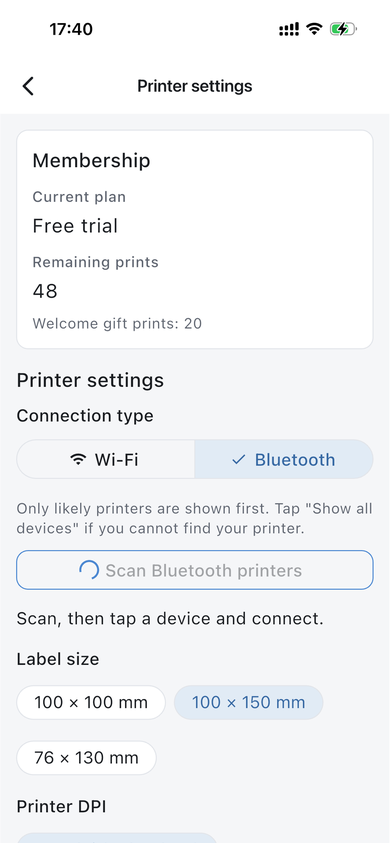
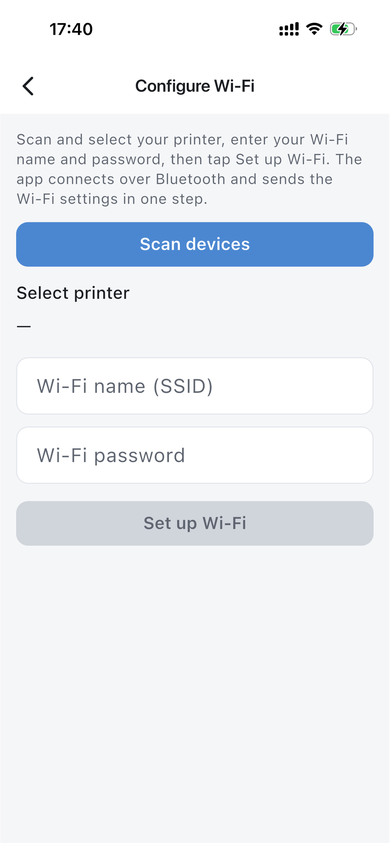
Go to Settings → Printer settings, choose Bluetooth or Wi-Fi, scan and connect. Pick a label size such as 100×150 mm. For Wi-Fi printers, use Configure Wi-Fi to send network credentials.
Configure Wi-Fi (Optional)
If your label printer needs Wi-Fi, open Configure Wi-Fi, scan devices, enter SSID and password, then tap Set up Wi-Fi.
Sync Orders & Print Labels
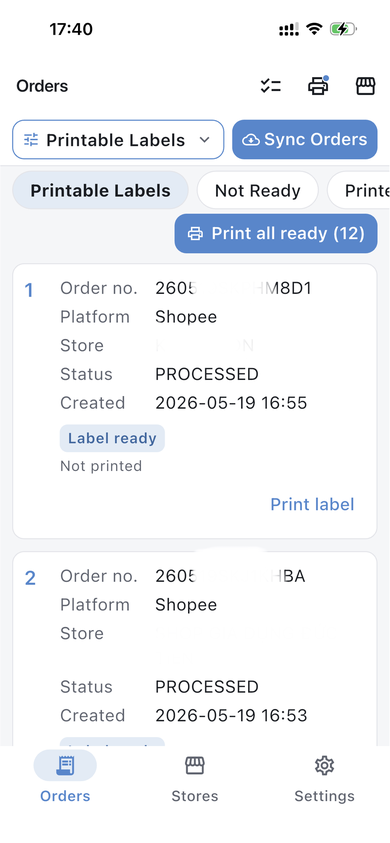
On the Orders tab, tap Sync Orders. When label status is ready, print individually or use Print all ready. Each successful print uses one print credit.